


Connect With Us
Visit Us
250 West Nyack Road, Suite #200 West Nyack, NY 10994
Get Directions
Call Us Toll Free
877-GO-RUSTY
877-467-8789
Telephone
845-369-6869
Fax
845-228-8177
Departments
Departments
Departments
SUBSCRIBE TO NEWSCONTACT US
Have a great idea for an Android application? RustyBrick can design, code and distribute it for you. Please contact us toll free at 877-GO-RUSTY or email us.
Here are instructions on how the Google Glass : How Do I... app works. First and most importantly, if you do not have Google Glass, it won't work for you. Second, the API limits set by Google with their Mirror API allow up to 1,000 calls per day, and as you can imagine, that can be used up quickly.
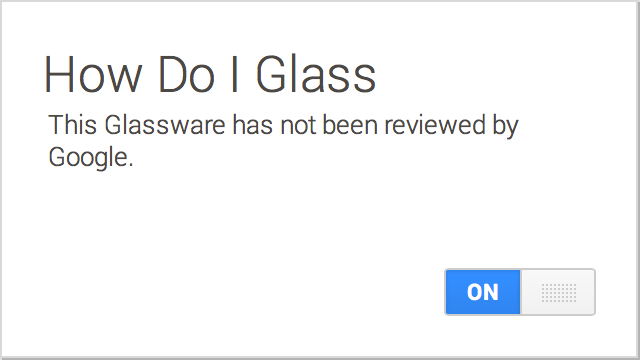
After you click the "connect to glass" link on Google Glass : How Do I... page, you need to authorize the app access. Then once that is complete, you should see this screen. Double check on the My Glass page to make sure the How Do I... is on.
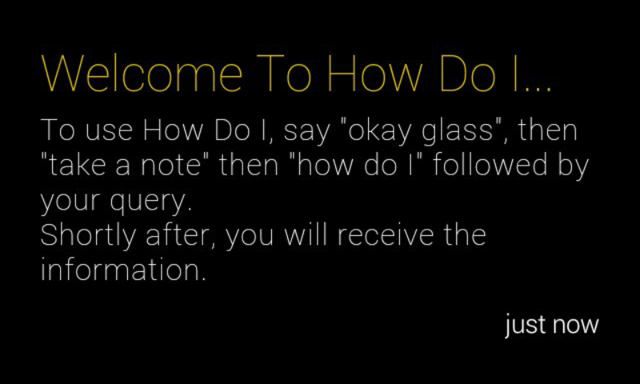
Next, you should see a welcome card pushed to your timeline on Glass. It looks like this:
At this point, you can go back to the main Google Glass home screen and say "Okay Glass":
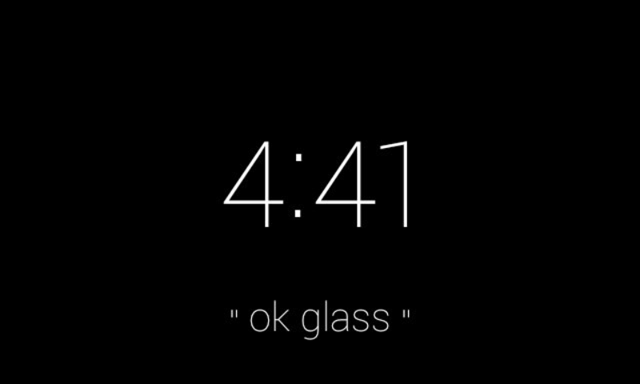
Then say, "Take a note." This is Google's first way to trigger third-party apps to load via voice command, at least for now.
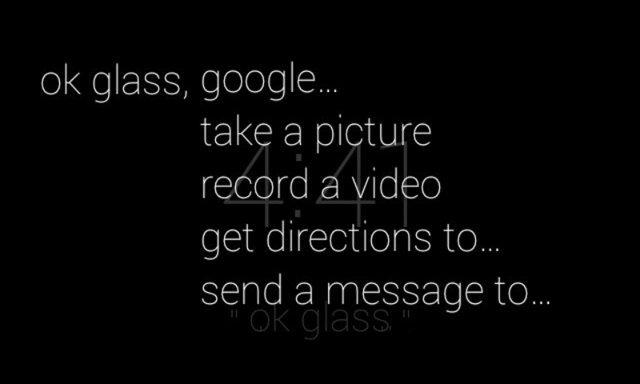
Next, ask for the "How Do I..." application by saying "How Do I":
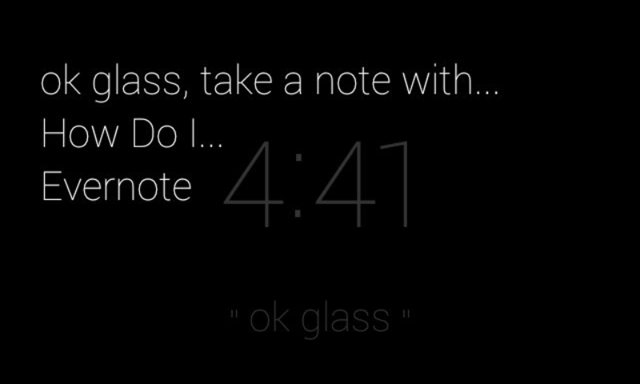
You'll then see this screen:
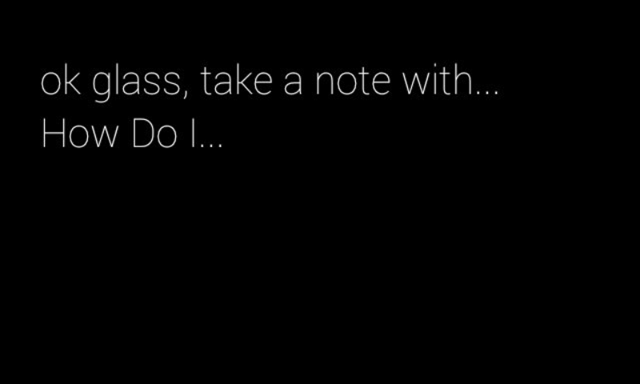
Speak your question at this step:
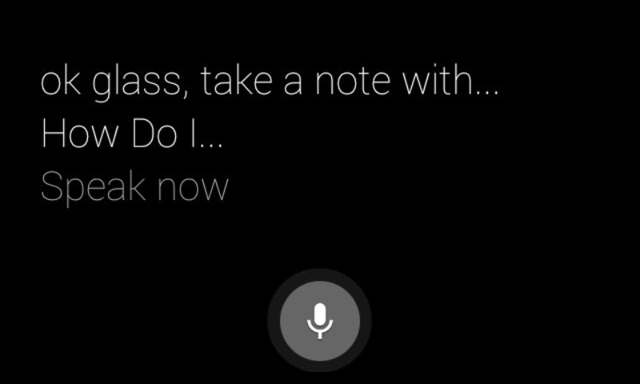
I asked, "tie my shoes":
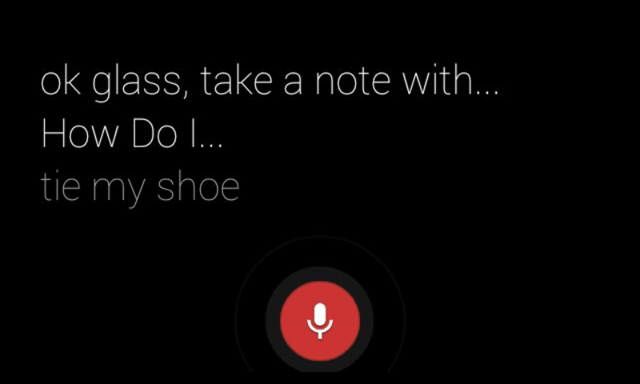
It will then take the note to the How Do I app:
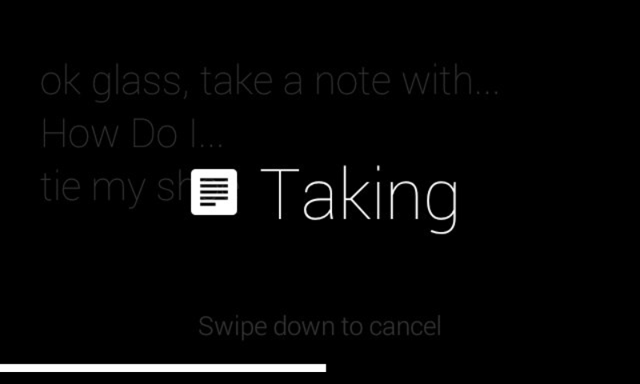
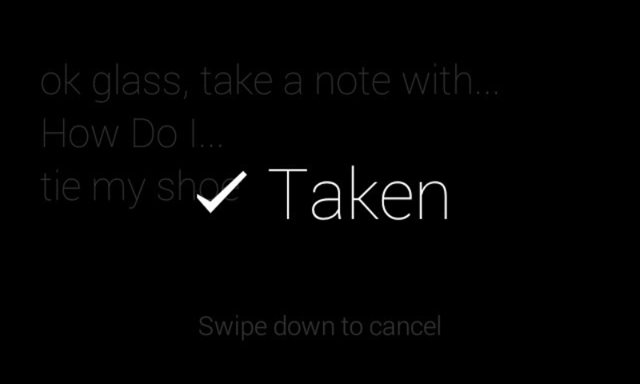
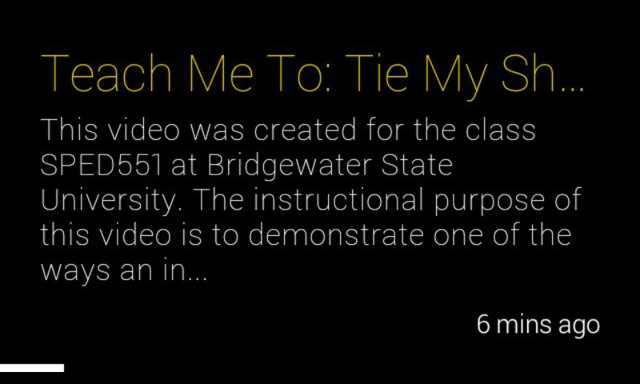
Then you wait for a prompt noise in your ear while we query YouTube for how do I related videos on your question. When the results come back, hopefully seconds later, you will see this message:
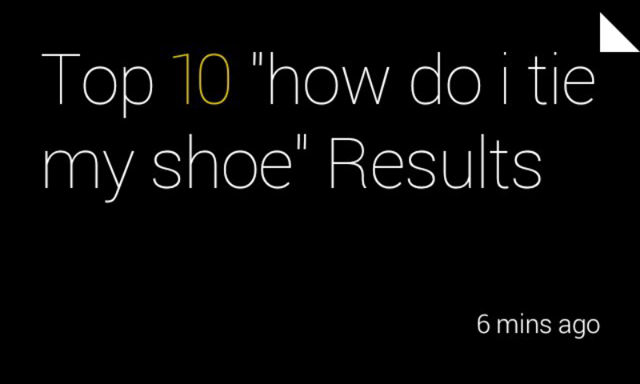
Click on it with your finger to swipe through the results of the answers:
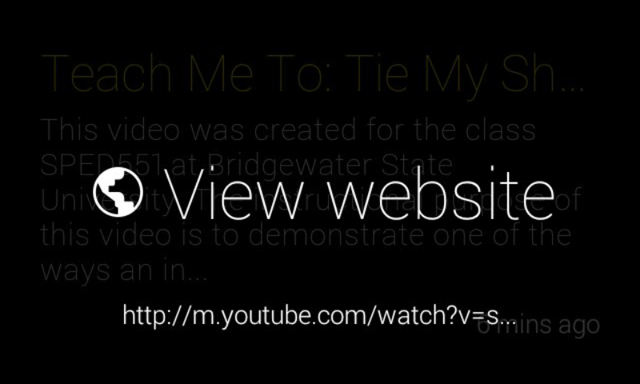
It will ask you to view the web site, no way around this for now:
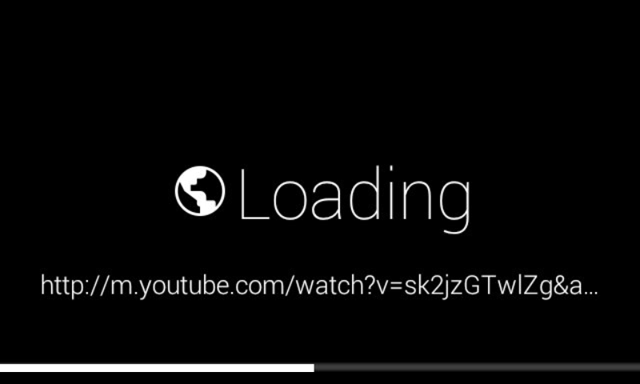
It will then start loading:
Sadly, Google Glass doesn't respect the "auto play" URL command we send it, so you need to hold two fingers on the glass touch bar and aim it on the play button:
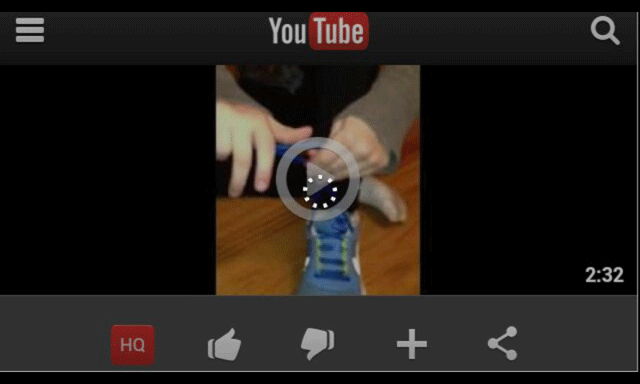
Once again, confirm you want to click on it:
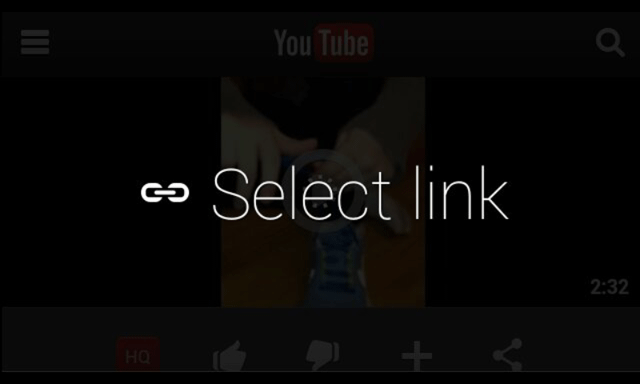
Then sit back and learn how to do anything you can imagine:
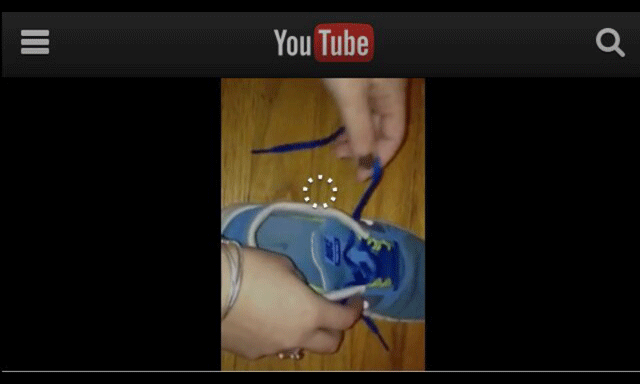
We hope to streamline this as Google improves their Google Glass developer kit.
250 West Nyack Road, Suite #200 West Nyack, NY 10994
Get Directions
877-GO-RUSTY
877-467-8789
845-369-6869
845-228-8177